Reclaim Your
Time.
Block Distractions.
Appkage blocks distracting apps and websites so you can focus on what matters. Privacy-first — all data stays on your device.
Privacy-First
Custom Block Screens
Usage Insights
Everything You Need to Stay Focused
Powerful blocking, beautiful insights, and complete privacy — all in one app.
App Blocking
Block distracting apps on Android with real-time detection. Blocking kicks in the moment you try to open a blocked app.
Website Blocking
Block time-wasting websites across all major browsers. Add domains manually or pick from a curated list.
Custom Block Screens
Design your own motivational block screen with images and personal messages. Make every interruption a reminder of your goals.
Focus Sessions
Pomodoro-style timed blocking with session tracking. Set a duration and stay focused until the timer runs out.
Usage Insights
See exactly where your screen time goes with daily and weekly charts. Identify your biggest time sinks.
Scheduling
Auto-block on schedule — set specific days, time ranges, and recurring rules. Blocking starts and stops automatically.
Strict Mode
Anti-bypass protection prevents you from cheating. Once enabled, you can’t disable blocking until the session ends.
Multiple Profiles
Work profile, study profile, sleep profile — switch contexts instantly. Each profile has its own set of blocked apps and schedule.
Privacy-First
All data stays on your device. No cloud, no tracking, no accounts required. Your usage data is yours alone.
How It Works
From install to focus in four simple steps. No accounts, no setup hassle.
Download & Open
Install Appkage from Google Play. No account needed — start using it in under a minute.
See Your Usage
Discover how much time you really spend on your phone. Appkage analyzes your patterns and shows you the truth.
Choose What to Block
Pick the apps and websites that distract you most. Organize them into profiles for different contexts.
Stay Focused
Appkage blocks them automatically. Custom block screens keep you motivated and on track.
Design Your Own Block Screen
When you try to open a blocked app, Appkage shows a full-screen overlay. But unlike other blockers, you get to design it. Make every interruption a reminder of your goals.
Add motivational quotes that speak to you
Set custom background images from your gallery
Personalize messages for different profiles

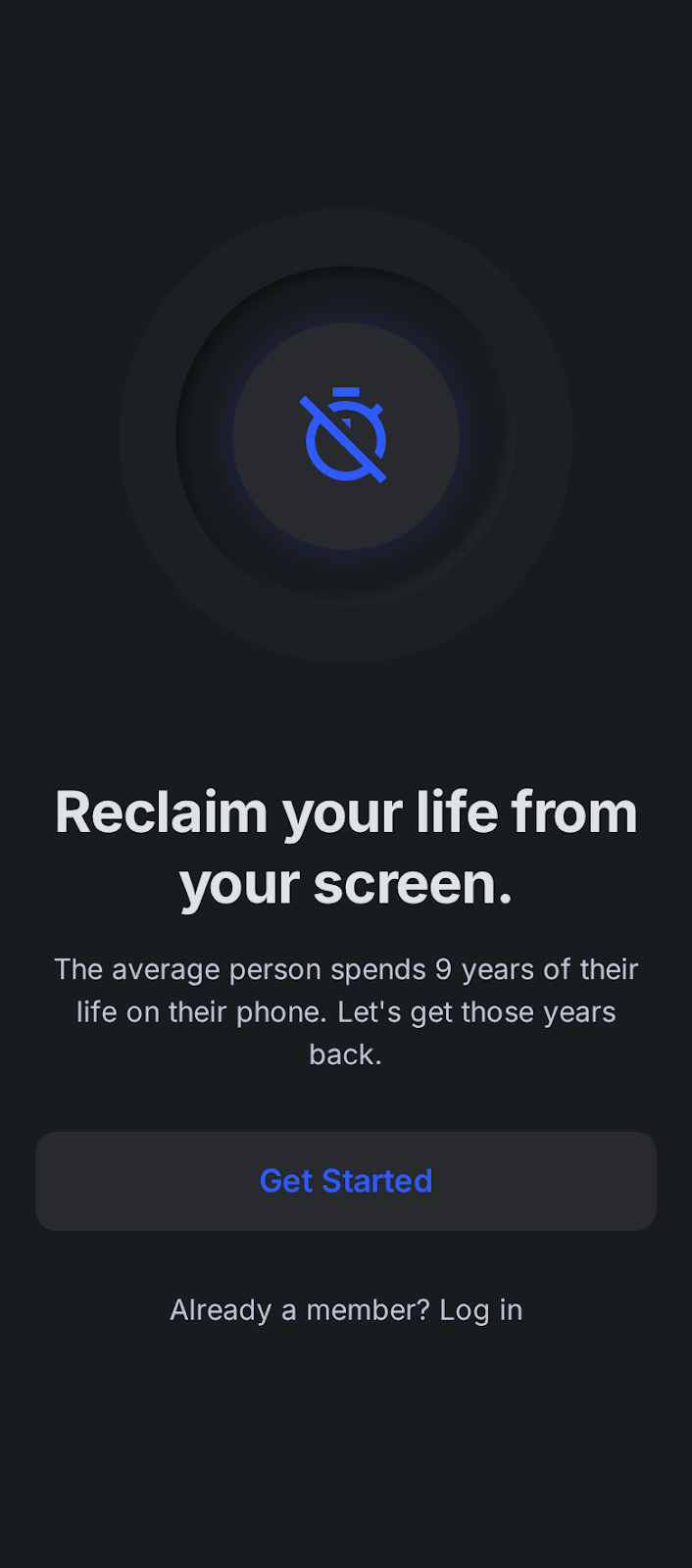
The average person spends 9 years on their phone.
Appkage users are taking back their time. Here's what changes in the first week.
saved per day
less phone pickups
on-device privacy
Simple, Honest Pricing
Start free. Upgrade when you want full control. No surprise bills.
Free
Everything you need to get started
- Block up to 10 apps
- 2 blocking profiles
- Basic usage stats
- Focus sessions
- Website blocking
- Custom block screens
- Strict mode
- Advanced scheduling
- Unlimited profiles
Premium
Full control over your digital life
- Unlimited app blocking
- Unlimited profiles
- Full usage insights
- Focus sessions
- Website blocking
- Custom block screens
- Strict mode
- Advanced scheduling
- Priority support
Also available: $29.99/year (save 50%). Cancel anytime.
Frequently Asked Questions
Got questions? We've got answers.
Ready to Take Back
Your Screen Time?
Join thousands who already use Appkage to block distractions and focus on what matters. Free to start, no account needed.
Android only · No account required · 100% on-device privacy